
NEXBODY JOURNAL
Body, gait or foot shape: which assessment do you need?
A practical guide to the different questions answered by X60, OneScan and F20.
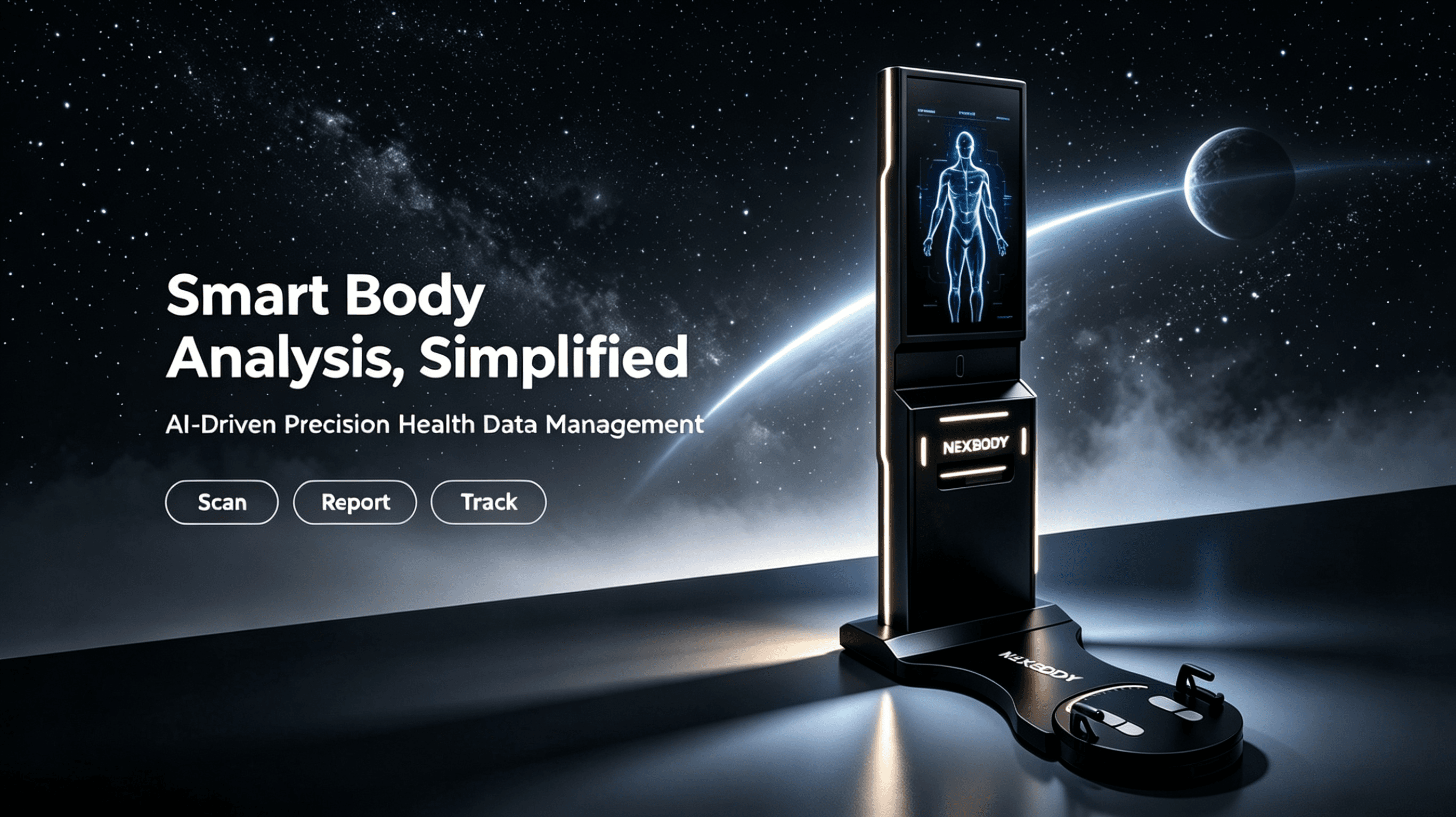
Choosing an assessment system begins with a practical question: what do you want to help someone understand? A fitness coach may need a clearer starting point for a training conversation. A rehabilitation team may want a repeatable movement record. A footwear specialist may need a model that can continue into a fitting or design process. These are different workflows, even when the equipment appears to do a similar job.
The most useful demonstration connects the measurement, the report and the next step. Looking at all three makes it easier to judge whether a system belongs in your facility.
Start with the conversation you need to have
Think about a typical appointment from the client's perspective. They arrive with a goal, take part in an assessment and leave with an explanation of what happens next. The equipment should support that explanation without making the session difficult to operate.
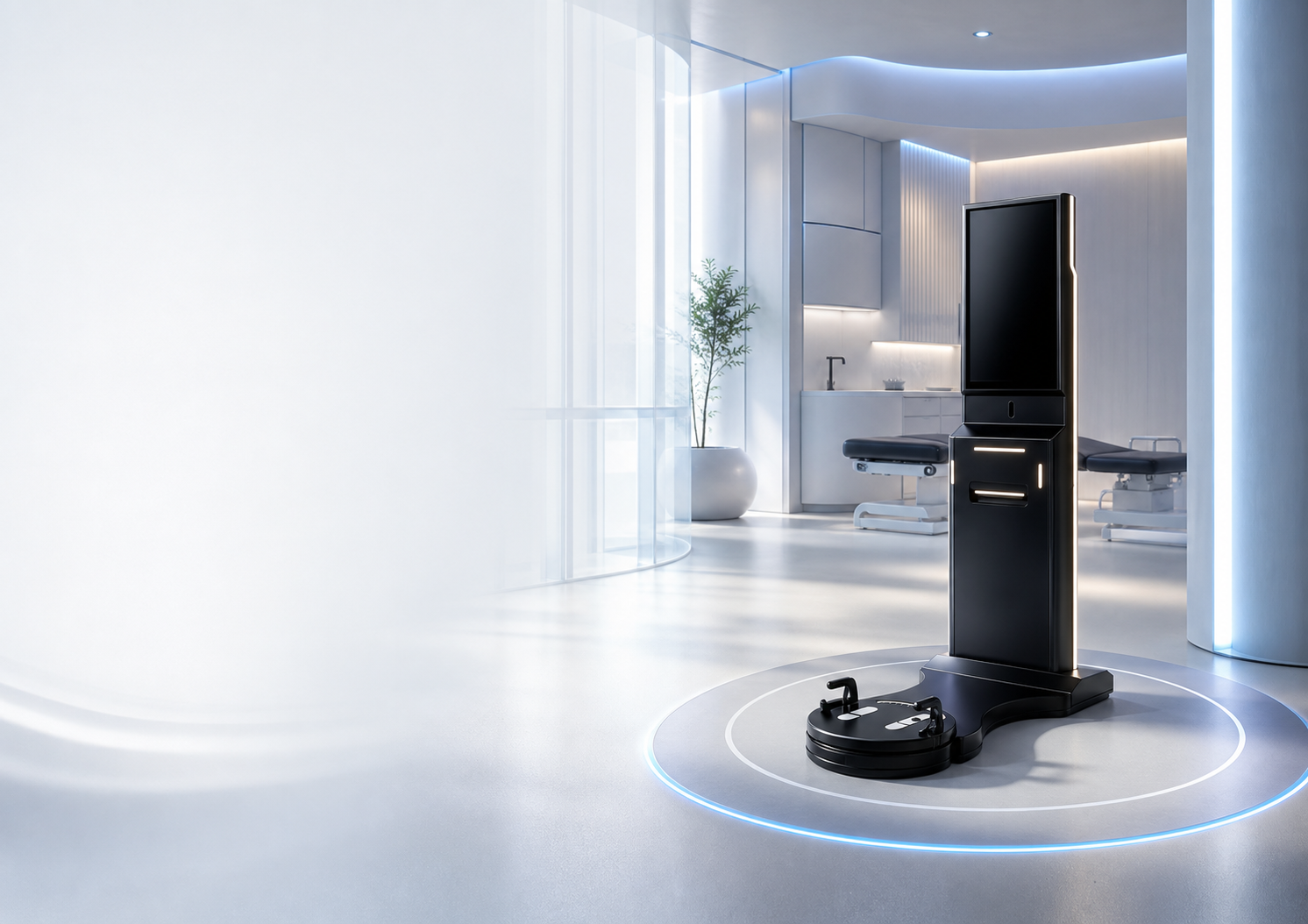
Body composition, posture and mobility can each contribute to that discussion. The NEXBODY X60 combines these assessment areas in a guided workstation workflow. When reviewing it, ask to see the instructions the person follows and how the operator moves between the different parts of the assessment. A polished screen is useful only when the people using it understand the process.
Choose the measurement that fits the task
A system designed to describe foot shape answers a different question from one designed to analyse walking pressure. F20 captures the geometry of both feet for measurement and model-based workflows. OneScan records gait and plantar-pressure information on a dedicated platform. Where more than one assessment is needed, consider how the outputs will be reviewed together.
During a demonstration, look beyond a list of available measurements. Ask the supplier to show what each report contains, which outputs are included in the proposed configuration and what needs an additional service or integration. This creates a more reliable basis for comparing equipment.
Read a report before deciding
Spend time with an example report. Consider whether the terminology suits the people who will explain it, whether the layout is readable and whether a follow-up comparison makes sense. Ask how a report can be shared, printed or exported in the configuration you are considering.
A report should help a qualified professional discuss the findings in context. It does not replace the judgement required for an individual's training, fitting or care. The operator's explanation remains part of the service.
Plan for everyday use
The right choice also depends on your room, your team and your support arrangements. Review available space, operator training, language needs, data handling and the route for getting help. If another application will receive reports or models, test that transfer before relying on it.
A useful final step is to walk through one realistic appointment with the supplier. Follow the process from setup to explanation and export. The system that fits this complete workflow is more valuable than a feature list viewed on its own.