
NEXBODY JOURNAL
Foot shape and plantar pressure tell different stories
Why 3D foot scanning and gait assessment can complement each other.
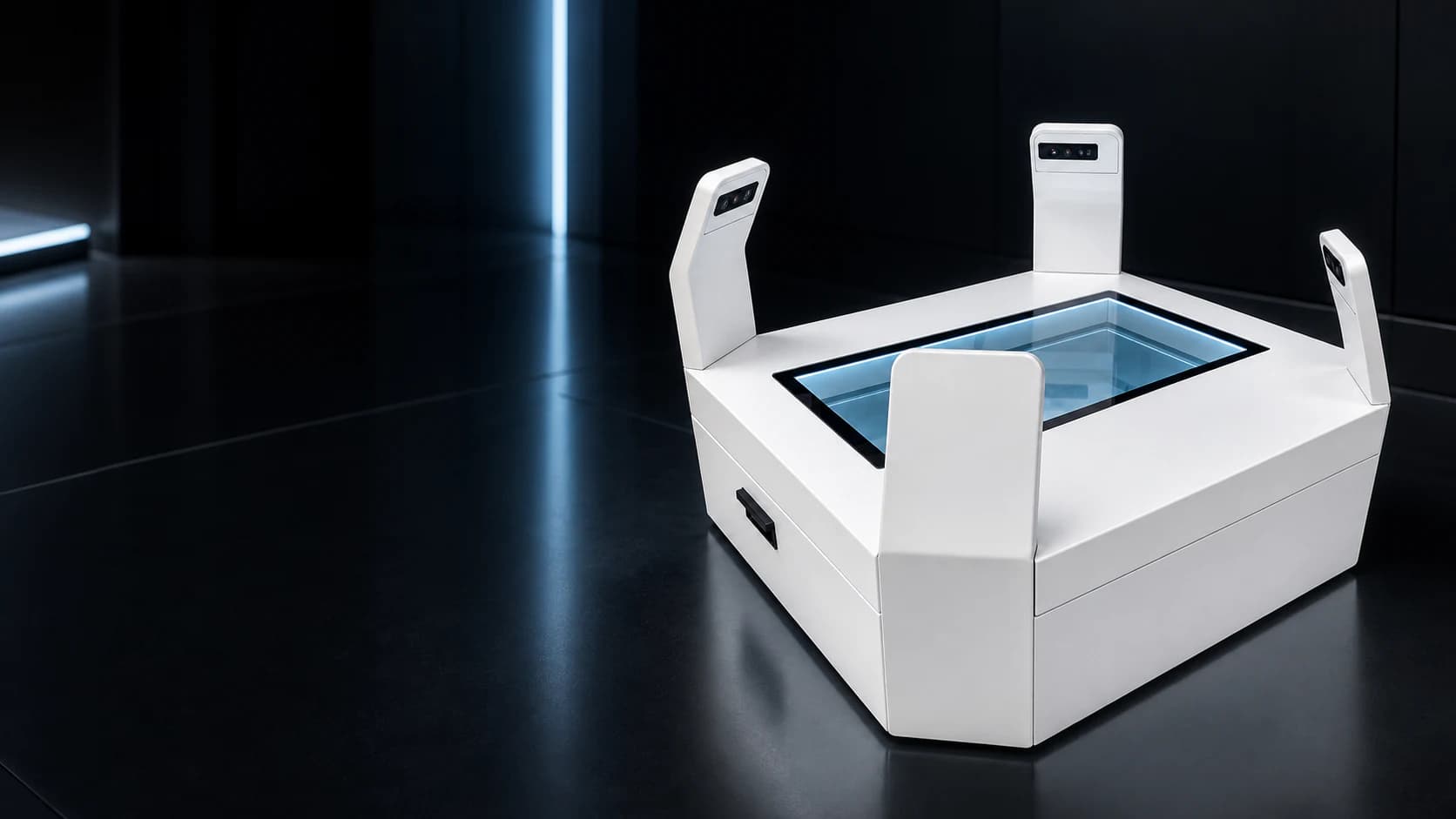
Foot shape and plantar pressure describe different aspects of an assessment. A three-dimensional model shows geometry. A pressure record shows contact with a sensing surface during the chosen task. Understanding this distinction helps footwear, orthotic and movement professionals select the right information for their workflow.
The two types of assessment can complement one another, but one should not be treated as a substitute for the other.
A foot model describes geometry
A full-foot scan provides a digital representation that can be reviewed for measurements, left-right comparison or downstream model-based work. The NEXBODY F20 captures both feet together and supports full-foot measurements and STL model output.
For a footwear or orthotic workflow, the next question is how that output will be used. A team may need to review measurements, transfer a model to another application or retain a record for a later fitting. Confirm the receiving application's requirements and the outputs included in the proposed configuration.
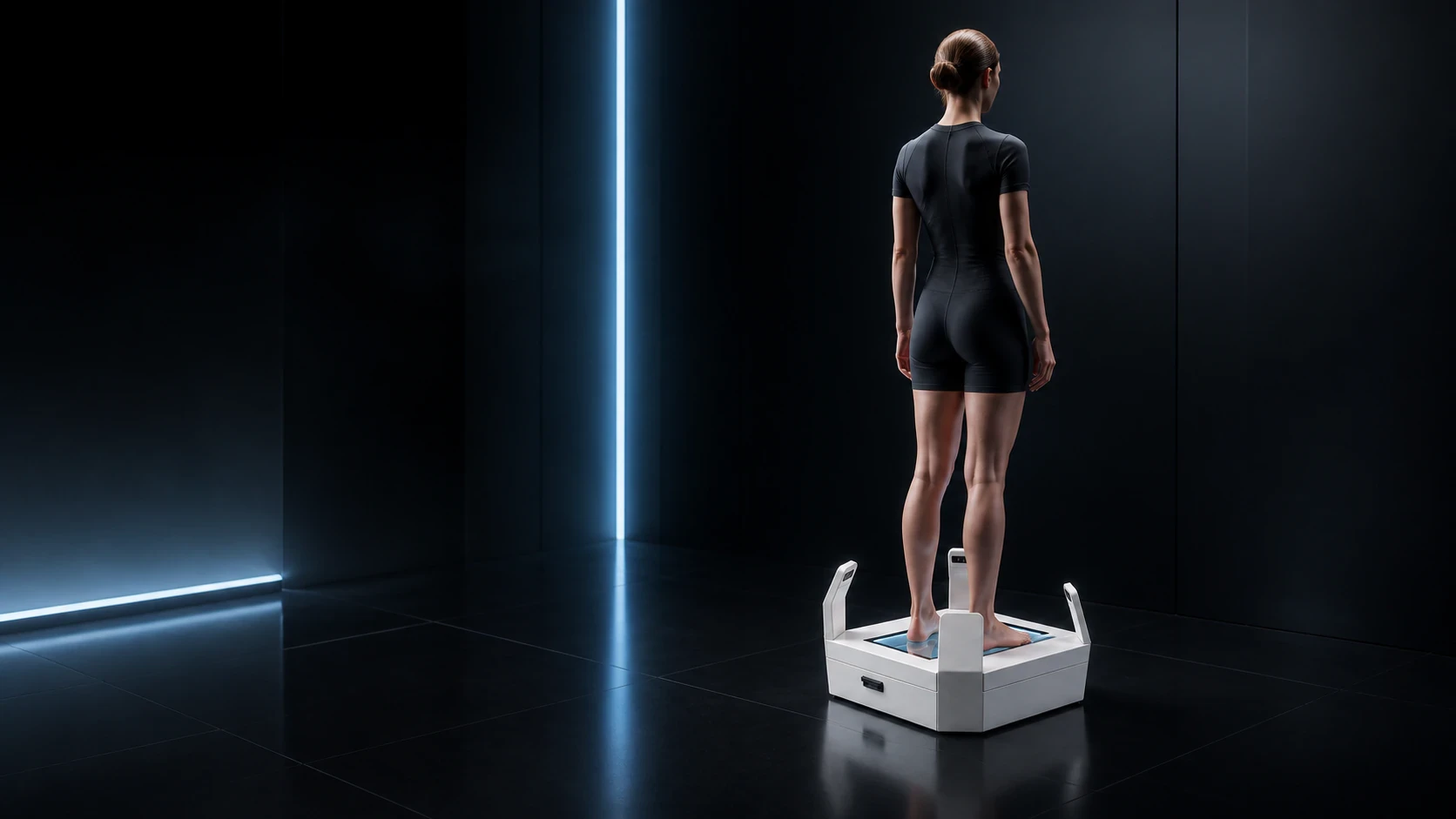
A pressure record describes contact
A pressure-sensing platform records information about contact on its surface. A static assessment and a walking assessment are different tasks, so the instructions and the interpretation should match the purpose of the session.
OneScan supports gait and plantar-pressure assessment on a dedicated platform. Its reports address movement and contact information rather than producing the same output as a three-dimensional foot model. When evaluating the equipment, ask to see the assessment procedure and a report from the task your team expects to perform.
Bring the information into one professional discussion
A practitioner may review foot geometry and pressure information while considering a fitting or movement question. That review still needs the person's history, the assessment conditions and the professional examination appropriate to the service being provided.
A model does not reveal all of the information present in a walking record, and a pressure illustration does not replace a detailed surface model. Keeping the role of each assessment clear makes the explanation easier for the person receiving it.
Test the handover between systems
Before adopting a combined workflow, follow a real example through every stage. Check how files are named, how left and right feet are identified and what happens when a report or model is exported. Confirm that colleagues can find and interpret the records in the systems approved by your organisation.
If a model will be used for customisation, test the file in the actual receiving application. File format support is an important starting point, but a working transfer also depends on the measurement definitions and the steps used by the team.
Choose equipment around the service
The most useful configuration is the one that supports a clear professional process. Start with the question you need to answer, choose the assessment that supplies the relevant information and agree how that information will be reviewed.
For some facilities, full-foot scanning is the immediate priority. Others may begin with gait and pressure assessment. Where both are required, planning the complete workflow helps the equipment contribute to a coherent service rather than two disconnected activities.